Course Page Beta

ccna-banner-image

Course Page Beta

Course Page Beta

Course Page Beta

Get access to Cisco CCNA certification training and upgrade your skills to match the employability requirements. Whether you are a student looking towards a bright future or an IT professional who wants to switch careers, Emigo Network Experts is the best CCNA training center for you. We provide CCNA certification online and offline in Kochi and Dubai.

This is a globally recognised IT certification programme that gives you the foundation and opportunities for higher earning potential. Join the course to give your career a promising future.

Why Choose the CCNA Certification Training Course?

With the global expansion of businesses, a secure network has become mandatory, which opens immense chances for Cisco CCNA courses. With our CCNA online certification program, you will be up to date on industry skills, thereby enhancing your opportunities in IT and networking. Thus, you can also use this certification to start a new career or get promotions and industry recognition.

This CCNA networking course from Emigo is well-crafted as it is designed to meet the industry requirements, apart from building a solid foundation for personal growth. Here, you will be trained on security fundamentals, IP networking, and many more, opening your doors for in-demand job roles across the world.

Key Learning Outcomes

The Cisco Certified Network Associate course enables you to master the latest skills and knowledge in the industry. Get insights from the best CCNA institute and get hold of the perks.

  • Gain a solid understanding of network fundamentals
  • Get network access and learn new tools
  • Master IP connectivity and resolve issues
  • Explore essential IP services
  • Understand the security fundamentals and enhance protection
  • Learn the latest trends in automation and programming

Why Choose Emigo’s CCNA Training Institute?

While various institutes offer Cisco CCNA certification training, why should you choose Emigo Network Experts? Here is why-

  • Teachers with over 15 years of experience
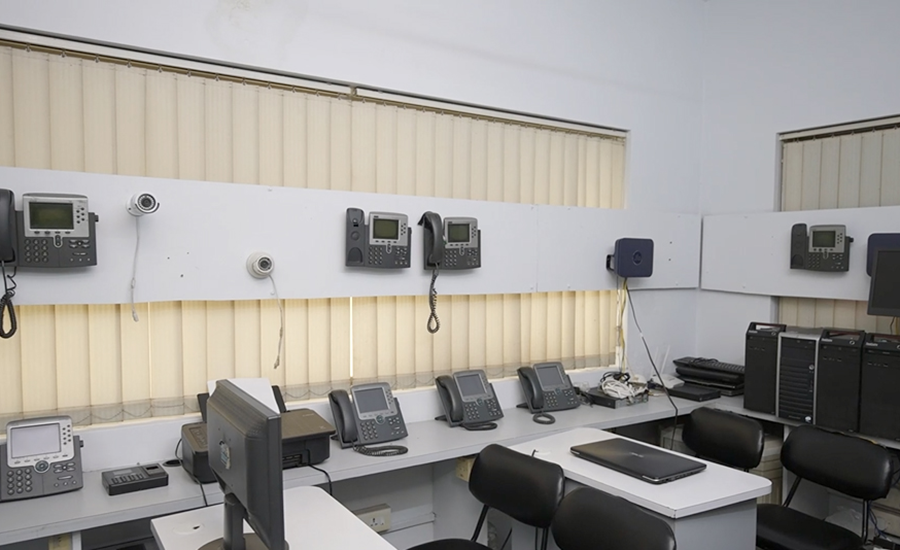
  • Hands-on labs
  • Placement assistance
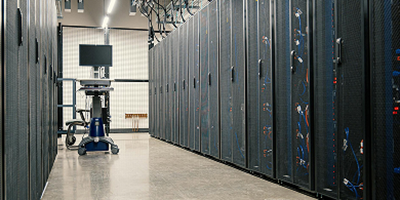
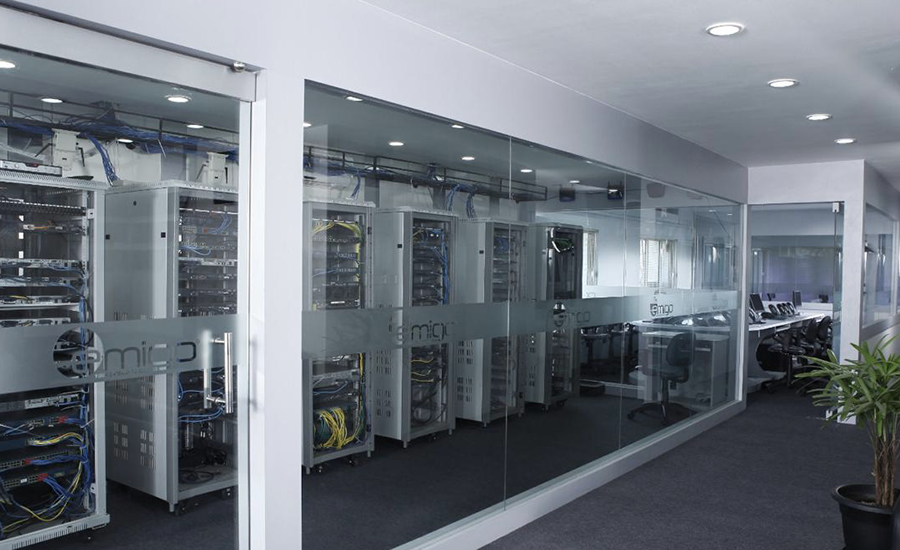
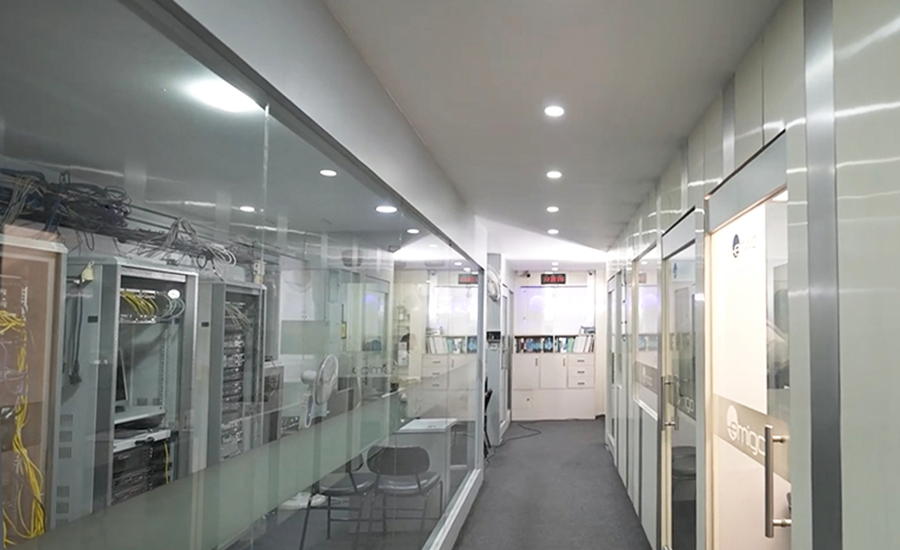
  • Best Cisco lab in Kerala
  • Classroom Training: Immersive learning environments in global destinations
  • Live Online Training: Expert-led virtual sessions with real-time interaction
  • Fly-Me-A-Trainer (FMAT): On-site training for enterprise teams
  • 1-on-1 Sessions: Personalized coaching with flexible scheduling

Syllabus Summary

Network Fundamentals

Explain the role and function of network components

  • Routers
  • Layer 2 and Layer 3 switches
  • Next-generation firewalls and IPS
  • Access points
  • Controllersa
  • Endpoints
  • Servers
  • PoE

Describe characteristics of network topology architectures

  • Two-tier
  • Three-tier
  • Spine-leaf 
  • WAN 
  • Small office/home office (SOHO) 
  • On-premises and cloud

Compare physical interface and cabling types

  • Single-mode fiber, multimode fiber, copper 
  • Connections (Ethernet shared media and point-to-point
  • Identify interface and cable issues (collisions, errors, mismatch duplex, and/or speed)
  • Compare tcp to udp
  • Configure and verify ipv4 addressing and subnetting 
  • Describe private ipv4 addressing
  • Configure and verify ipv6 addressing and prefix
  • Describe ipv6 address types
  • Unicast (global, unique local, and link local)
  • Anycast
  • Multicast
  • Modified EUI 64
  • Verify ip parameters for client os (windows, mac os, linux)

Describe wireless principles 

  • Nonoverlapping Wi-Fi channels 
  • SSID
  • RF
  • Encryption
  • Explain virtualization fundamentals (server virtualization, containers, and vrfs)  

Describe switching concepts

  • MAC learning and aging
  • Frame switching
  • Frame flooding
  • MAC address table
Network Access

Configure and verify vlans (normal range) spanning multiple switches 

  •   Access ports (data and voice) 
  •   Default VLAN 
  •   InterVLAN connectivity 

Configure and verify interswitch connectivity 

  •   Trunk ports 
  •   802.1Q 
  •   Native VLAN 

Configure and verify layer 2 discovery protocols (cisco discovery protocol and lldp) 

Configure and verify (layer 2/layer 3) etherchannel (lacp) 

Interpret basic operations of rapid pvst+ spanning tree protocol 

  •   Root port, root bridge (primary/secondary), and other port names 
  •   Port states and roles 
  •   PortFast 
  •   Root guard, loop guard, BPDU filter, and BPDU guard

Describe cisco wireless architectures and ap modes 

Describe physical infrastructure connections of wlan components (ap, wlc, access/trunk ports, and lag) 

Describe network device management access (telnet, ssh, http, https, console, tacacs+/radius, and cloud managed) 

Interpret the wireless lan gui configuration for client connectivity, such as wlan creation, security settings, qos pro files, and advanced settings

IP Connectivity

Interpret the components of routing table 

  •   Routing protocol code 
  •   Prefix 
  •   Network mask 
  •   Next hop
  •   Administrative distance 
  •   Metric 
  •   Gateway of last resort 

Determine how a router makes a forwarding decision by default 

  •   Longest prefix match 
  •   Administrative distance 
  •   Routing protocol metric 

Configure and verify ipv4 and ipv6 static routing

  •   Default route 
  •   Network route 
  •   Host route 
  •   Floating static 

Configure and verify single area ospfv2 

  •   Neighbor adjacencies 
  •   Point-to-point 
  •   Broadcast (DR/BDR selection) 
  •   Router ID 

Describe the purpose, functions, and concepts of first hop redundancy protocols

IP Services
  • Configure and verify inside source nat using static and pools.
  • Configure and verify ntp operating in a client and server mode explain the role of dhcp and dns within the network.
  • Explain the function of snmp in network operations.
  • Describe the use of syslog features, including facilities and severity levels.
  • Configure and verify dhcp client and relay.
  • Explain the forwarding per-hop behavior (phb) for qos such as classification, marking, queuing, con gestion, policing, and shaping.
  • Configure network devices for remote access using ssh describe the capabilities and functions of tftp/ftp in the network.
Security Fundamentals
  • Define key security concepts (threats, vulnerabilities, exploits, and mitigation techniques)
  • Describe security program elements (user awareness, training, and physical access control)
  • Configure and verify device access control using local passwords
  • Describe security password policy elements, such as management, complexity, and password alternatives (multifactor authentication, certificates, and biometrics)
  • Describe ipsec remote access and site-to-site vpns
  • Configure and verify access control lists
  • Configure and verify layer 2 security features (dhcp snooping, dynamic arp inspection, and port security)
  • Compare authentication, authorization, and accounting concepts
  • Describe wireless security protocols (wpa, wpa2, and wpa3)
  • Configure and verify wlan within the gui using wpa2 psk
Automation And Programmability
  • Explain how automation impacts network management
  • Compare traditional networks with controller-based networking 
  • Describe controller-based, software defined architecture (overlay, underlay, and fabric) 
  • Separation of control plane and data plane 
  • Northbound and southbound apis 
  • Explain ai (generative and predictive) and machine learning in network operations 
  • Describe characteristics of rest-based apis (authentication types, crud, http verbs, and data encoding) 
  • Recognize the capabilities of configuration management mechanisms such as ansible and terraform 
  • Recognize components of json-encoded data.

Who Should Enroll in the CCNA Training Course?

We offer the best CCNA course for freshers in the networking field. Moreover, the CCNA certification is also useful for professionals in improving their skills and thereby upgrading their careers. Let’s see who can benefit from this CCNA exam preparation course.

1. Networking Beginners

  • Students or fresh graduates
  • Emigo offers CCNA networking fundamentals for beginners

2. IT Professionals

  • System administrators, network technicians, or IT support staff seeking career growth
  • Professionals planning to pursue advanced certifications

3. Career Changes

  • Professionals from non-IT backgrounds looking for tech jobs
  • People aspiring to become network engineers or IT specialists

4. Freelancers & Entrepreneurs

  • Small business owners or independent consultants managing their own network infrastructure

5. Aspiring Cybersecurity Experts

  • Those aiming to specialise in ethical hacking, cybersecurity, or cloud security, starting with strong networking fundamentals

6. Tech Enthusiasts & Hobbyists

  • People passionate about learning

7. Students Preparing for Global Certifications

  • Students who want internationally recognised credentials to work abroad or get noticed in highly competitive job markets

Career Opportunities after CCNA

The CCNA certification training comes with ample opportunities for the learners. Learn from Emigo, the best CCNA institute for your dream job, and build a solid career after CCNA.

  • Network Administrator
  • Network Engineer
  • Technical Support Engineer
  • Network Security Associate
  • Systems Administrator
  • Network Analyst
  • Wireless Network Engineer
  • Network Consultant
  • IT Support Specialist/Technician

Exam Details of the CCNA Networking Course

  • Exam Code : 200-301
  • Cost : 300 USD
  • Duration : 120 minutes

There are no prerequisites for the CCNA IT certification. However, you should have a clear understanding of the exam pattern and topic, which can be achieved with the help of Emigo, the best CCNA training center.

Related Courses

experts-banner-background

EMIGO Expert Training Team

new-batch-mage

New Batches Commence On

Testimonials

enquiry-section1-bg
enquiry-form-model1

Learn like a Leader
Not a follower

Scan or Click on the QR Code to submit your enquiry

Enquiry
enquiry-section1-qrcode
footer-enquiry footer-enquiry